

About Neon Shop
Neon Shop is a customizable web storefront that allows game publishers to sell digital content directly to players outside of the game client. It provides a seamless purchasing experience while giving publishers greater flexibility over merchandising, promotions, pricing strategies, and player engagement.
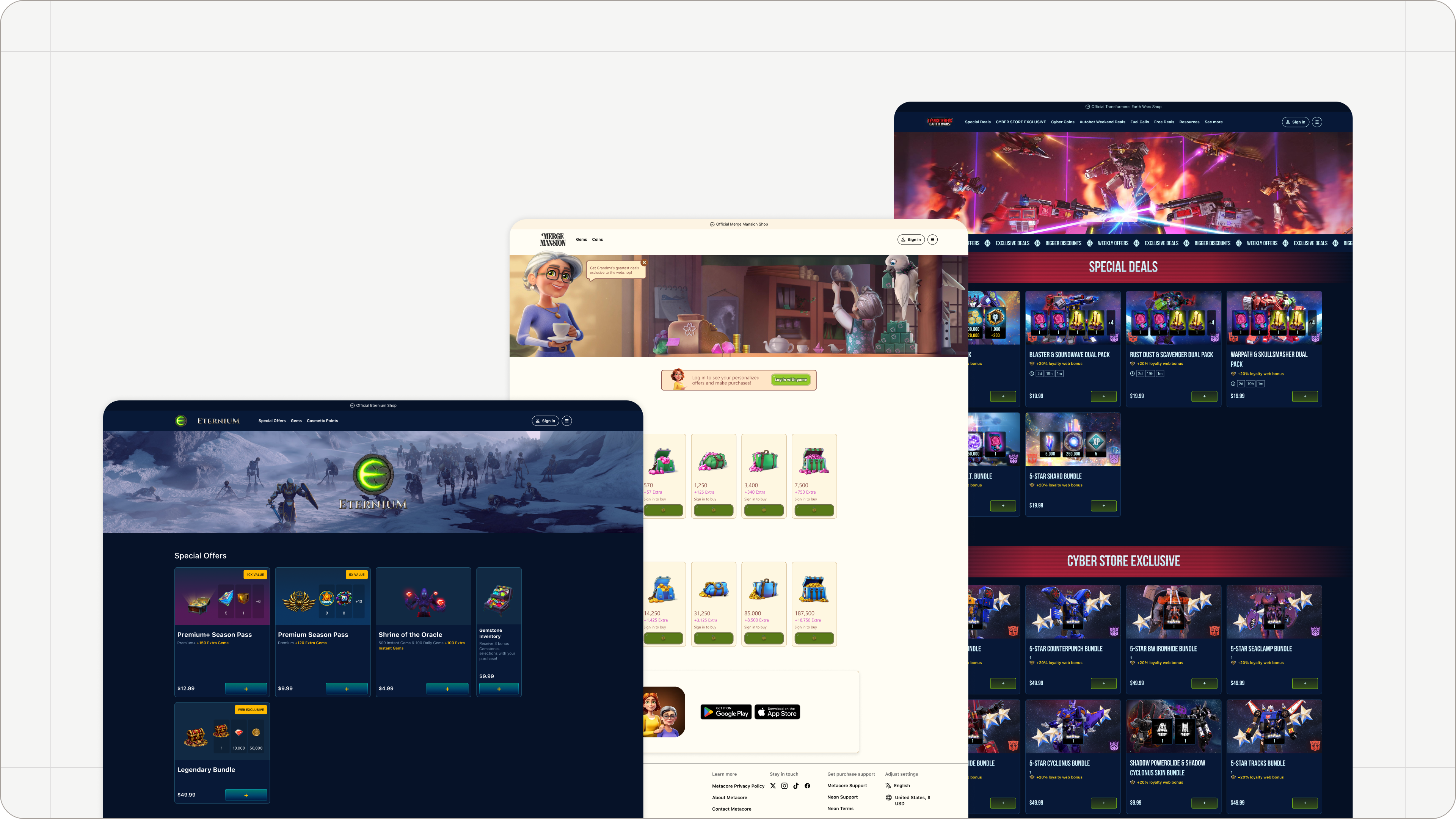
Whether accessed from a game’s website, social media campaign, email, community platform, or directly from within the game, Neon Shop enables players to browse offers, complete purchases using localized payment methods, and receive their purchases through your existing game backend and account systems.
Explore our demo shop, which showcases many of the features and capabilities described in this article: https://demo.knightfighter.store
Need to activate your Neon Shop? Contact your Neon customer success manager, who will enable it for your account.
Once Neon Shop is activated for your account, you can start customizing your storefront, adding offers, and previewing how the shop looks and feels.
If you do not yet have access to the Console: please reach out to your Neon customer success manager.
If you’re new to Neon: contact [email protected] and we’ll help you get set up.
With Neon Shop, you can:
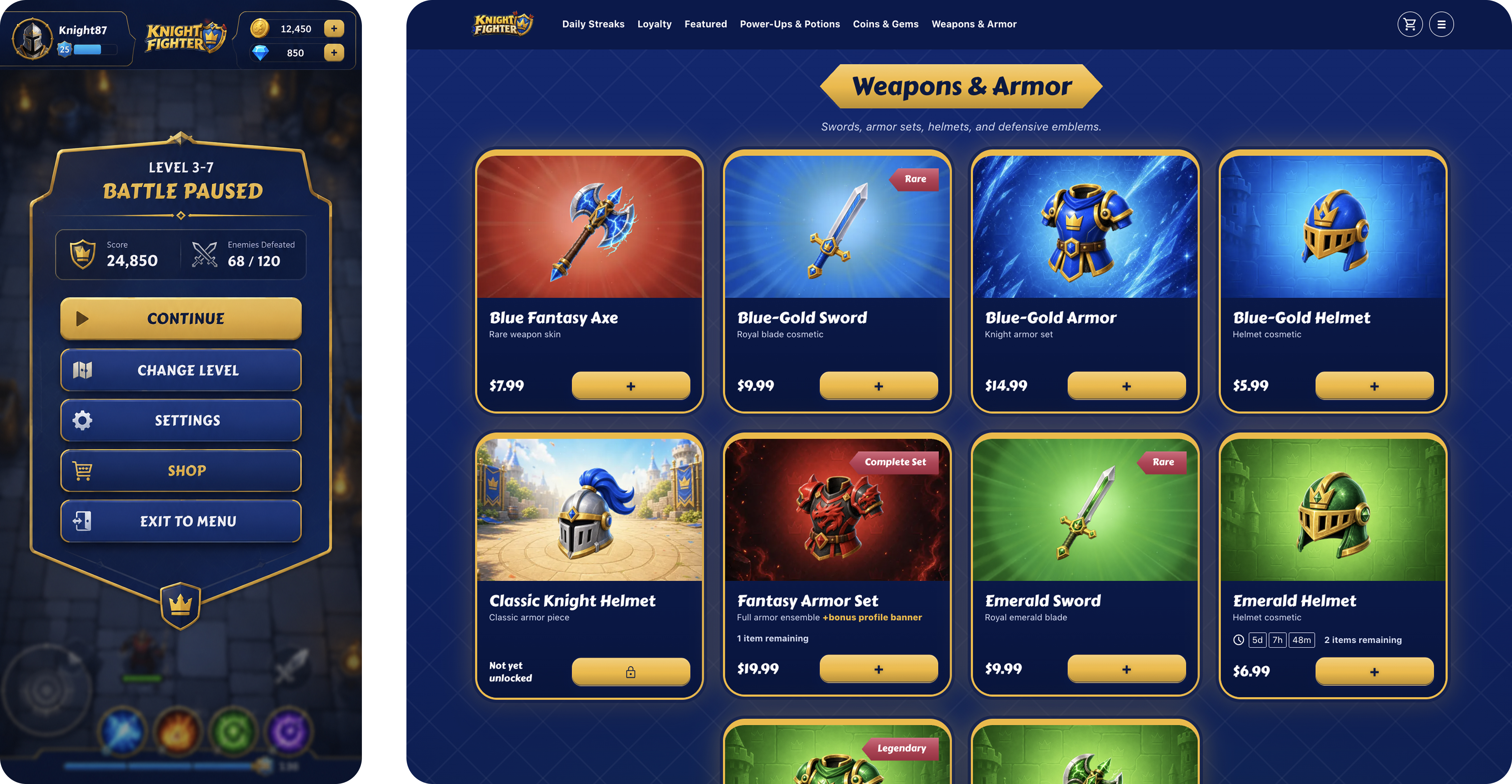
- Create a branded storefront experience that matches your game’s identity
With Neon, you can create a shop that inherits your game’s style, look, and feel, providing players with a seamless experience that feels like a natural extension of your game.
- Sell offers to players worldwide using localized payment methods
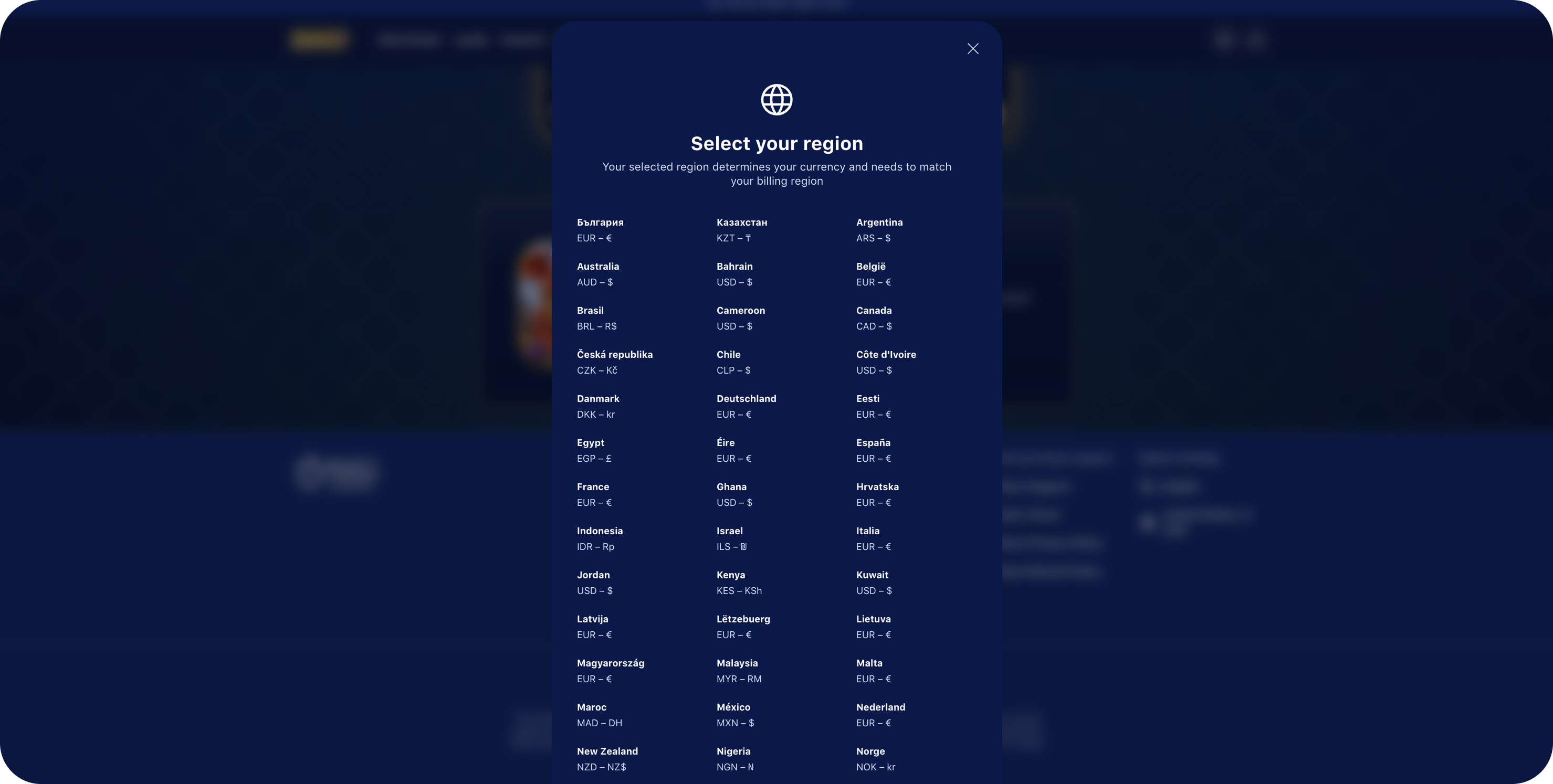
Reach players around the world with a checkout experience tailored to their region. Neon supports a wide range of localized payment methods, currencies, and payment providers, helping players pay using the options they know and trust. This reduces friction during checkout, improves conversion rates, and makes it easier to grow your revenue across global markets.
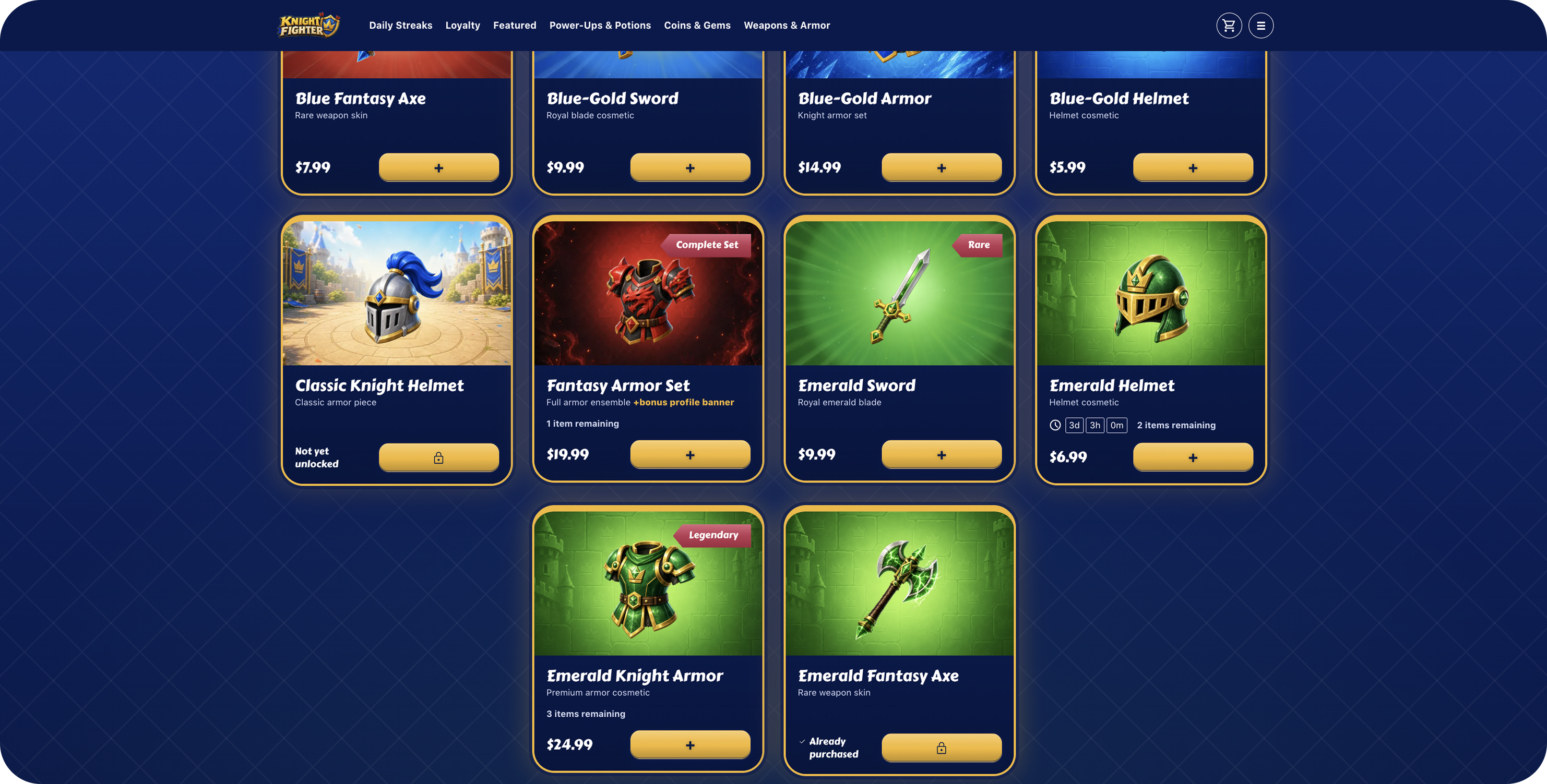
- Configure personalized, segmented, time-limited, scarce, and bundled offers
Create targeted offers that match your players' behavior and preferences. With Neon, you can configure personalized and segmented offers for specific player groups, run time-limited promotions with countdown timers, create scarce offers with limited availability, and bundle multiple items together to increase engagement and maximize revenue opportunities.
Use the manual login on https://demo.knightfighter.store to explore targeted offers. Sign in with thesegment1andsegment2test users to see how different player segments are presented with different offers.
- Integrate your existing authentication and player account systems
There are three convenient ways to connect your game with the Neon Shop. You can open an authenticated shop directly from your game, or allow players to authenticate through the Web Shop itself. All authentication flows are implemented using APIs and callbacks, making integration flexible and straightforward.
More information about each approach can be found here.
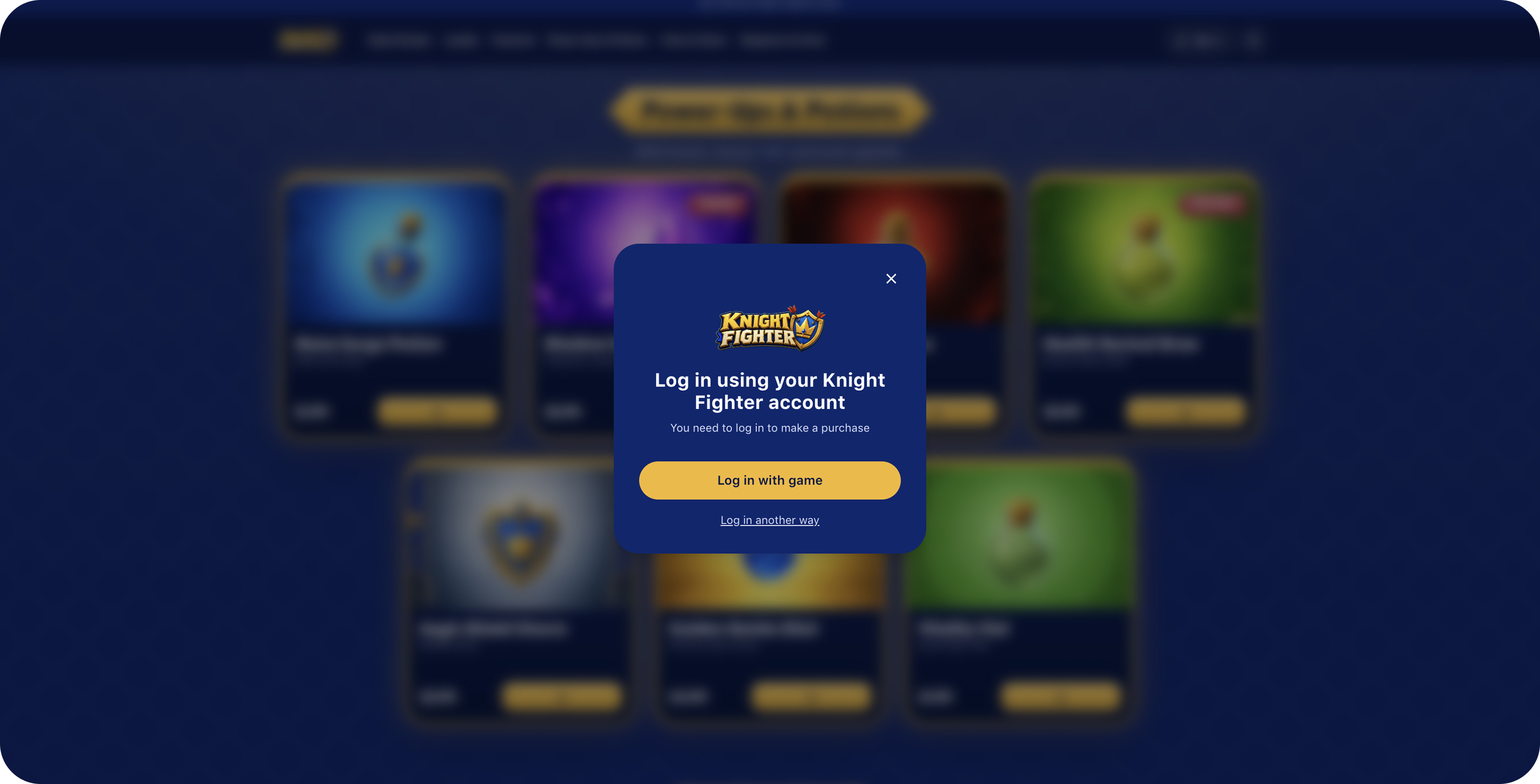
- Deliver offers through your own fulfillment and entitlement infrastructure
Neon provides easy-to-integrate webhooks that notify your server about every purchase event, including completed purchases, failed payments, refunds, disputes, and other important transaction updates. This allows you to securely grant items, currencies, and entitlements using your existing fulfillment infrastructure.
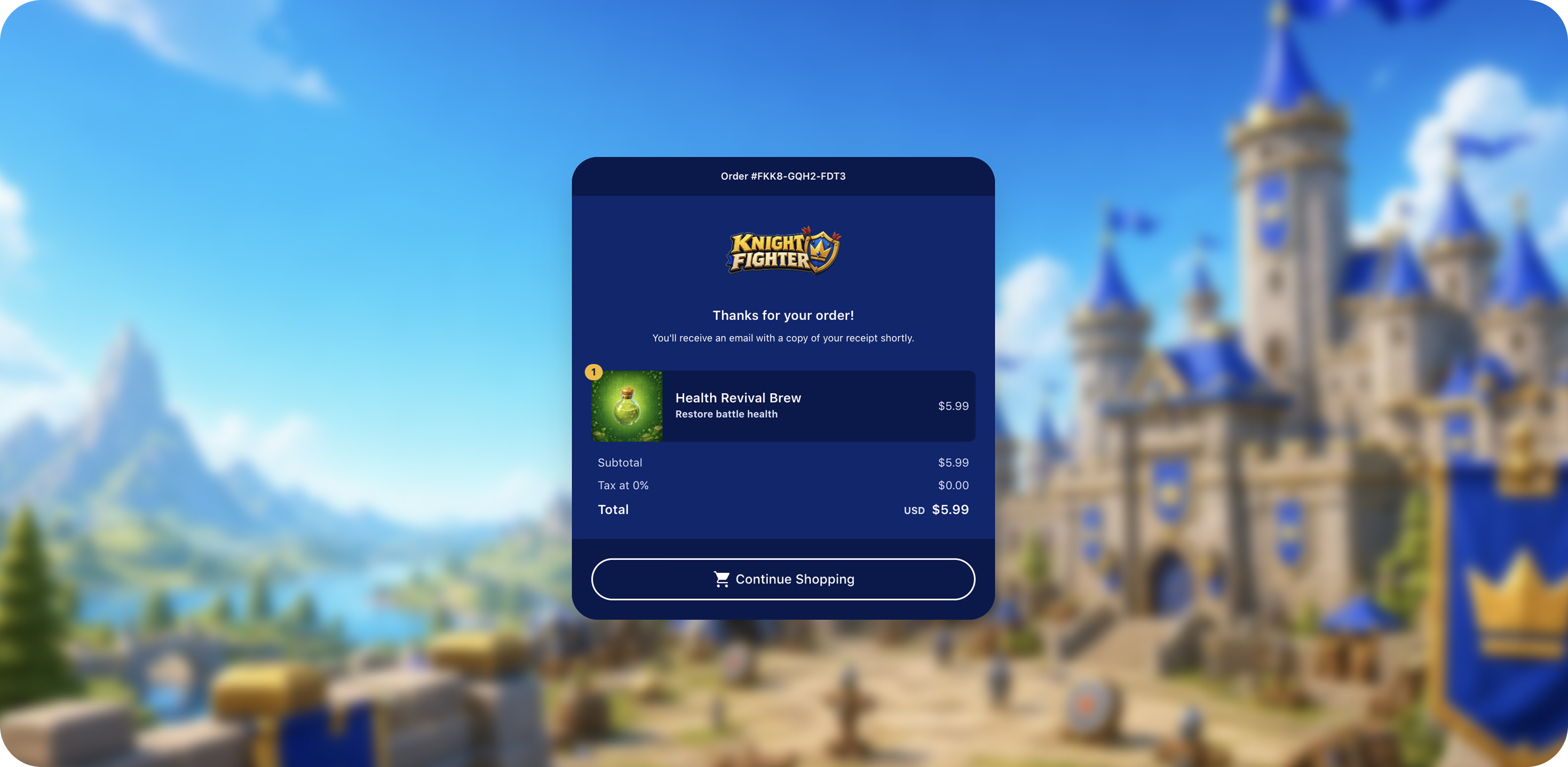
Additionally to this, you can benefit from Neon Shop features available if you’re running a Web Shop with Neon:
- Daily Streaks.
Daily Streaks encourage players to return to your game and shop every day by rewarding them with free items and bonuses. By claiming rewards on a regular basis, players build a habit of engaging with your game, increasing retention and long-term engagement.
Daily rewards also provide players with a reason to visit your Neon Shop frequently, creating additional opportunities to discover new offers, promotions, and content while receiving valuable free rewards.
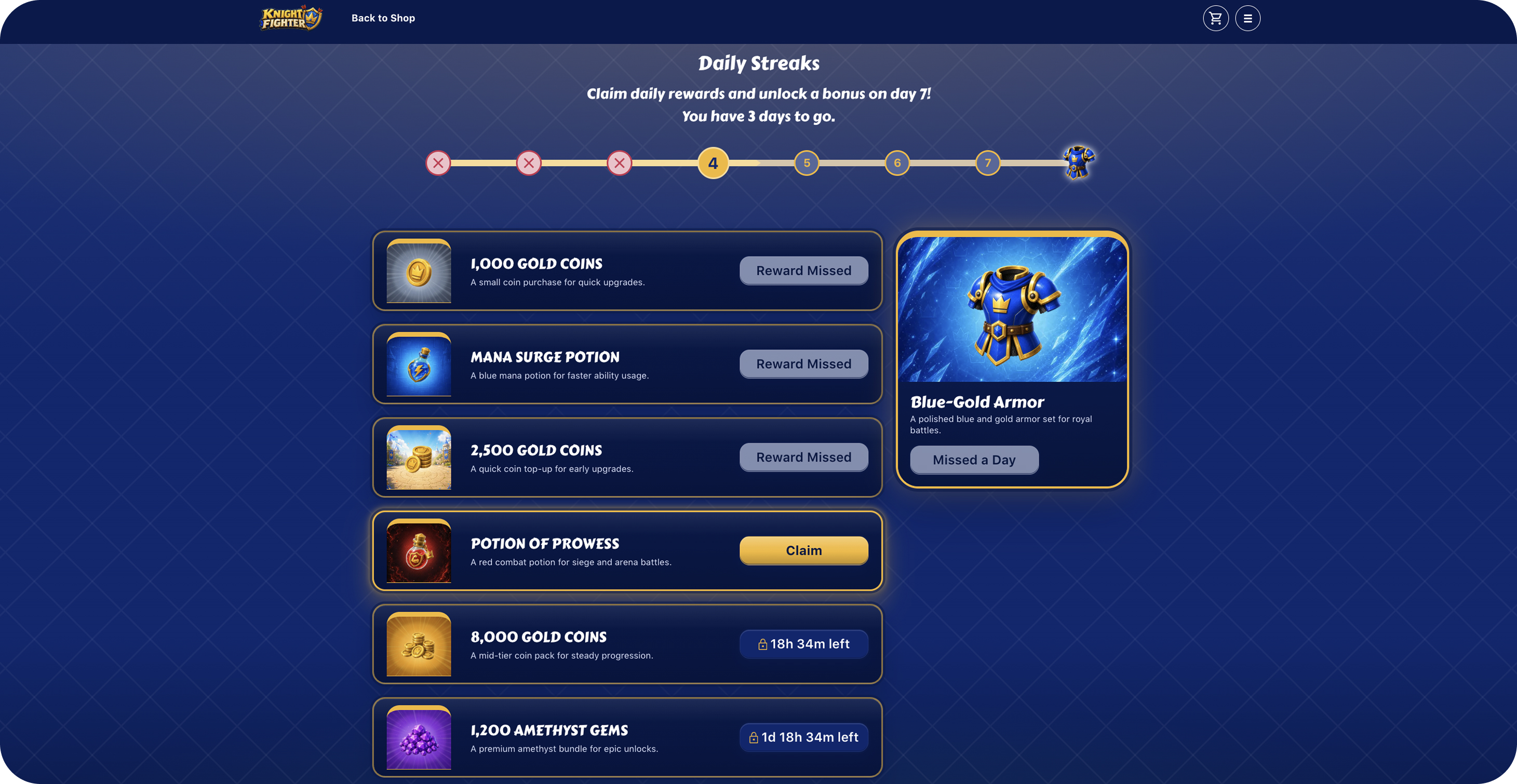
More about Daily Streaks is here.
-
Endless Offers.
Enable Endless Offers to create sequential offer chains that unlock as players progress through them. Each offer becomes available only after the previous offer in the sequence has been purchased, creating a sense of progression and exclusivity.
This allows you to gradually reveal premium content, special rewards, and exclusive items, encouraging continued engagement and giving players access to new offers as they advance through the sequence. -
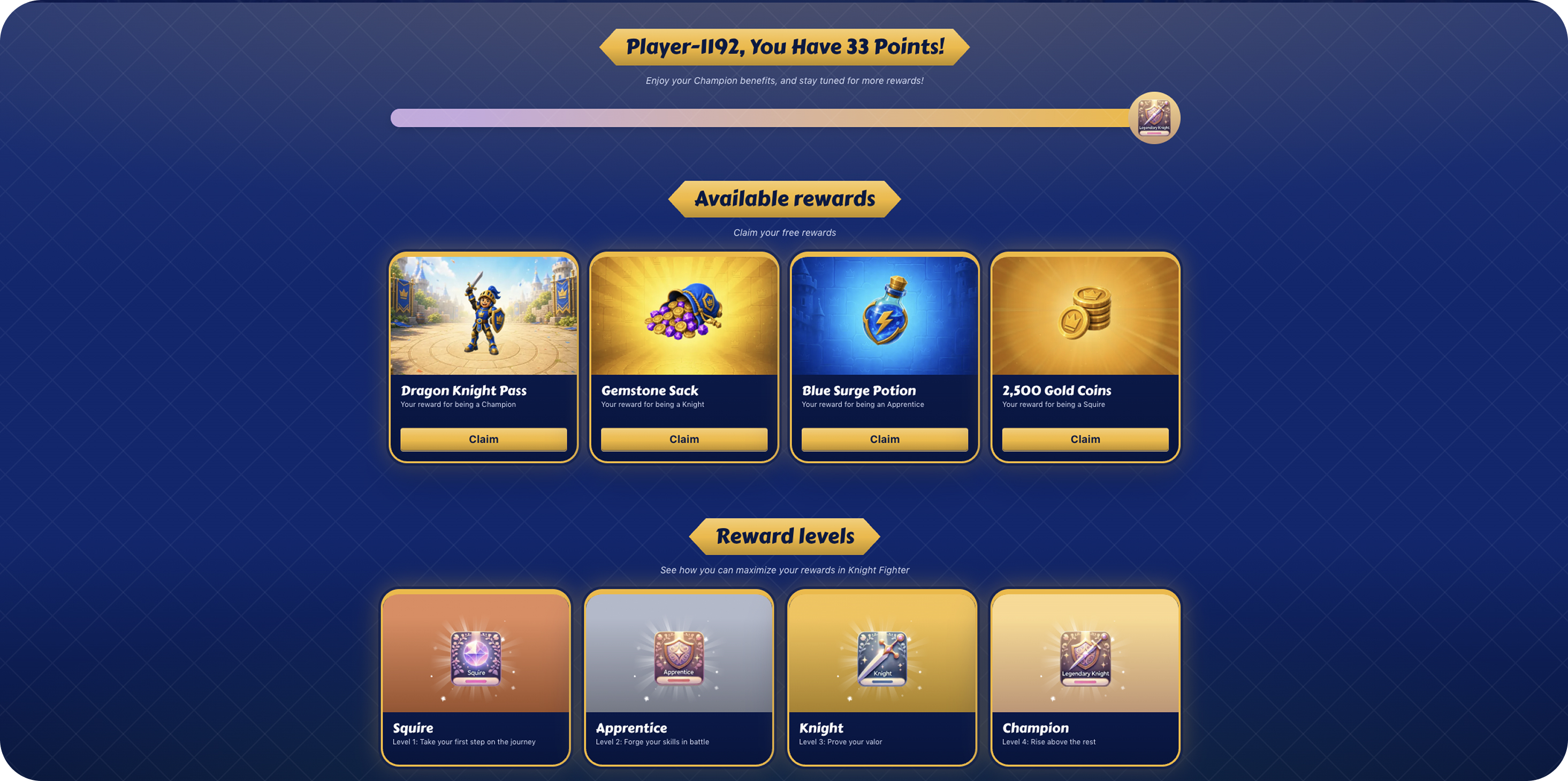
Loyalty Program.
Reward your players with bonus points that they can earn by purchasing items from your shop. Players can then redeem those points for free rewards and in-game items. This helps increase player spending while giving players additional value, encouraging engagement and repeat purchases.
- Cart Links.
Create shareable offer links that automatically open a predefined set of SKUs and apply a promotional code. Cart Links can also be tracked, allowing you to measure the performance of specific campaigns and traffic sources.
This makes them ideal for marketing campaigns, advertisements, influencer promotions, email campaigns, social media posts, and other external channels where you want to provide players with a convenient path to a curated offer or exclusive deal. - In-cart upsells.
Enable In-cart upsells directly within the checkout flow, allowing players to purchase related items alongside their original selection. Relevant offers are presented during checkout, creating a seamless purchasing experience and helping players discover additional content they may be interested in.
Upsells can increase the value of each transaction while providing players with convenient access to complementary items, bundles, or special promotions.
Neon Shop is designed to work alongside your existing game economy and live operations tools. While initial setup is completed through the Neon Console, ongoing merchandising and offer management can also be automated using Neon APIs, making it easy to integrate Neon Shop into your existing liveops workflows.
Typical Player Journey
Typical Player Journey
- A player opens your Neon Shop from a website, game inbox, email campaign, social channel, or add a “visit shop” button in the countries where it is allowed.
- The player authenticates using your game’s account system (optional, depending on your implementation)
- Personalized offers and promotions are displayed
- The player completes a purchase using their preferred payment method
- Neon processes the transaction and notifies your backend
- Purchased items are granted to the player’s account
Neon Shop provides a secure, scalable, and globally available commerce experience, allowing publishers to extend their game’s economy beyond the game client while maintaining full control over player experience and offer strategy.
Managing Your Neon Shop
We think about managing your Neon Shop integration in two ways:
- Initial setup
- Ongoing offers management (merchandising)
The initial setup for your Neon Shop is managed through the Console. The Console will guide you through:
- Managing API keys
- Configuring your Neon's Shop look and feel
- Other set-it-and-forget-it configurations
The Console can also be used to manage offers and merchandise your Neon Shop continuously, but you may find that the easiest way to manage your shop after initial setup is through Neon's APIs. The APIs are especially helpful if you want to manage your Neon integration through your existing liveops tooling.
Updated 4 months ago