

Shop Theme
Configure the look and feel of your shop
Once Neon Shop is enabled, you can customize your Shop theme and see changes reflected in real time.
To activate Neon Shop, you’ll need to contact your Neon customer success manager, who will enable it for your account.
If you do not yet have access to the Console: please reach out to your Neon customer success manager.
If you’re new to Neon: contact [email protected] and we’ll help you get set up.
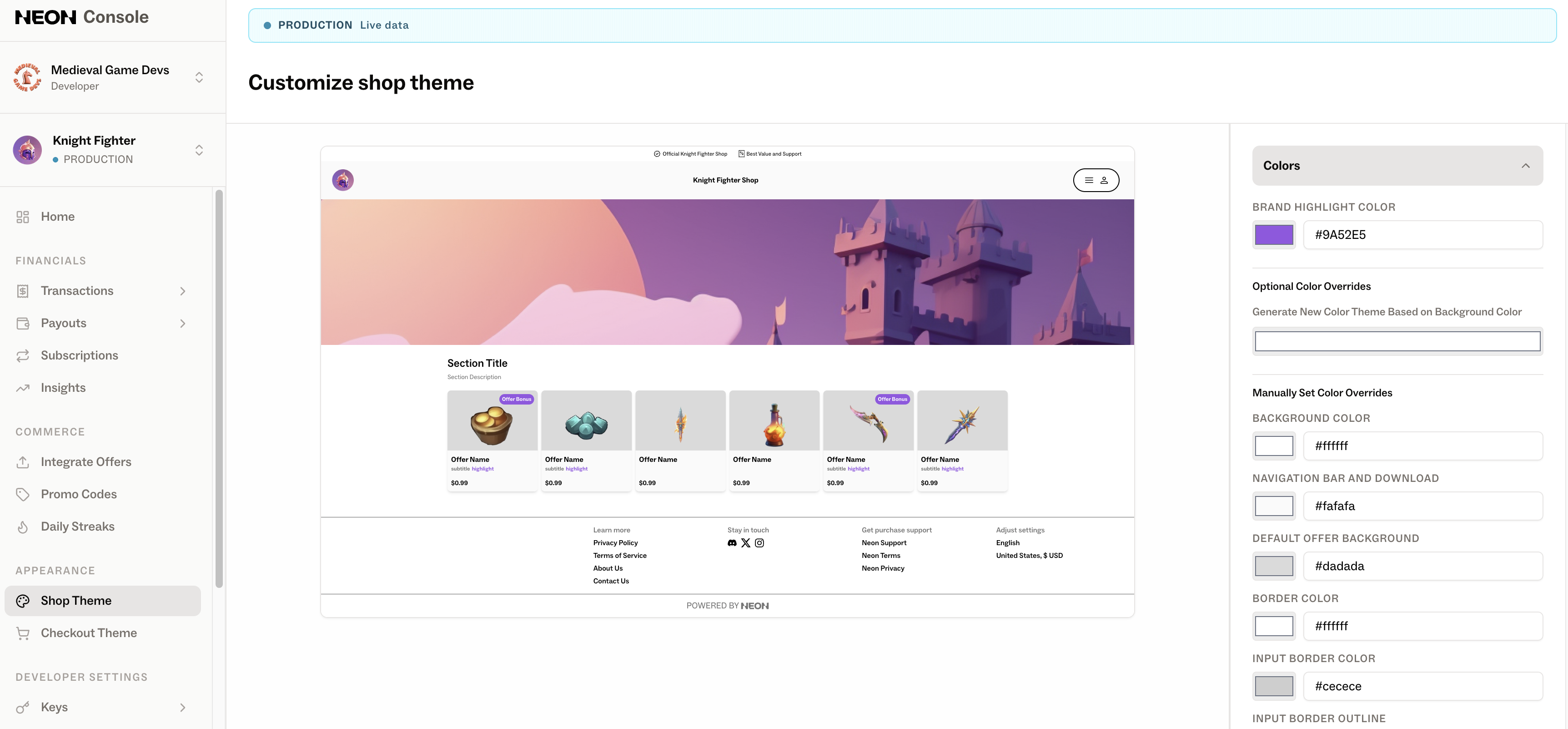
Currently, the following customization options are available:
- Colors — configure colors for the header, footer, background, cards, and text
- Navigation and Background — set a header image displayed in Neon Shop, as well as a background image (also used for checkout background)
- Game Logos — display your game logo across the storefront, including header, footer, and transactional emails (e.g., invoices)
- Promotions — configure branding elements such as favicon, social preview (for shared links), and download banner icons (e.g., App Store, Google Play)
Please note: you can upload Neon Shop images in the Neon Console in conjunction with the API by referencing the file name.
Backgrounds
| Name | API Name | Description | Minimum Recommended Resolution (width x height) | Example |
|---|---|---|---|---|
| Shop Header | promoBannerUrl | The background for the hero banner in your Neon Shop | at least 3840 px wide and at least 640 px tall (aspect ratio 6:1 is recommended) | 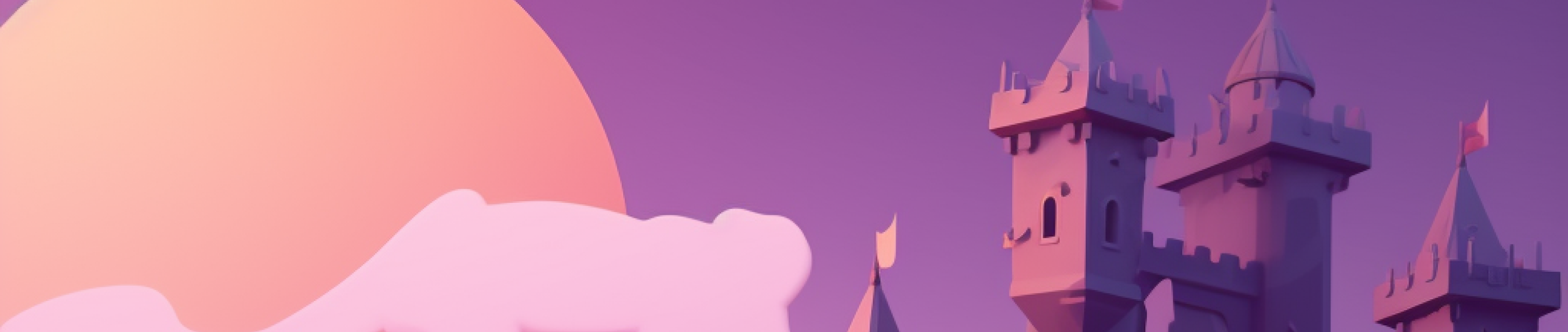 |
| Background | backgroundUrl | Will fill the entire browser screen and be used for loading transitions into checkout to give shoppers an immersive, game-like experience. Must be 3000x3000 pixels | 3000 x 3000 | 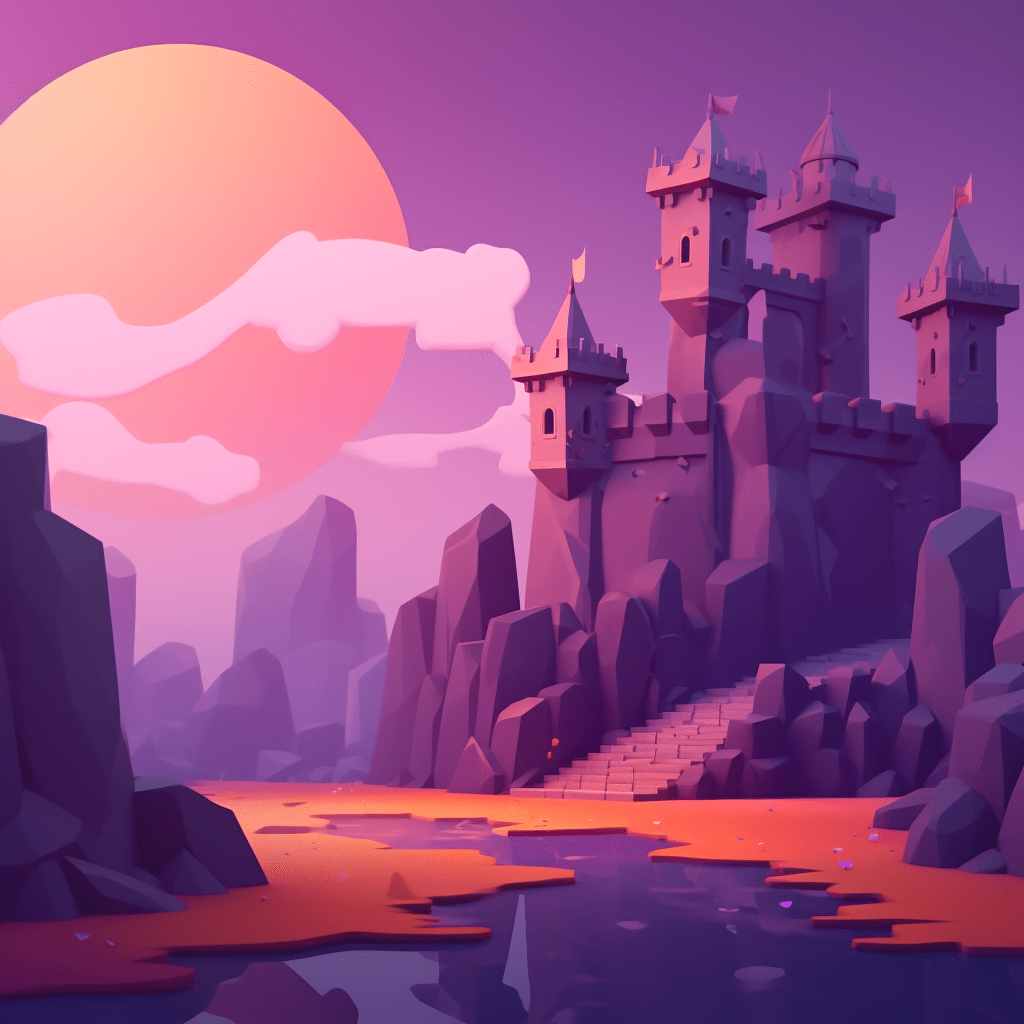 |
Game Logos
| Name | API Name | Description | Minimum Recommended Resolution (width x height) | Example |
|---|---|---|---|---|
| Logo on banner (optional) | logoUrl | Game logo used in the middle of your Neon Shop header banner if you want additional branding | 280 x 280 | 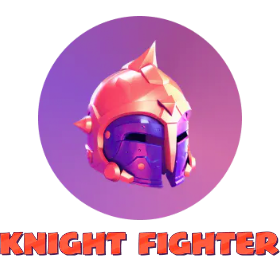 |
| Game Icon Logo | gameIconLogoUrl | Game icon without any text. Used in the Neon Shop header, loading screens, and order success page | 256 x 256 | 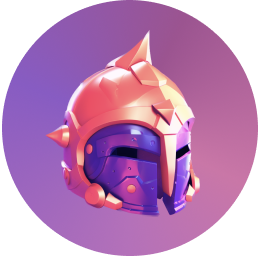 |
| Game Name Logo | gameNameLogoUrl | Stylized game name on a single line. Used on the Neon Shop header and order success screens | at least 48 px tall |  |
| Email Logo | emailLogoUrl | Your logo used at the top of your white-labeled emails | at least 256 px wide |  |
Promotions
| Name | API Name | Description | Minimum Recommended Resolution (width x height) | Example |
|---|---|---|---|---|
| Download Banner | downloadBannerUrl | Game icon (e.g. your app icon in the App Store) | 300 x 300 | 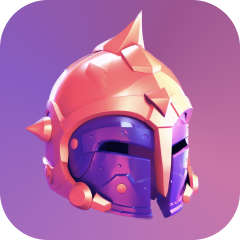 |
| Social Preview | socialPreviewUrl | Image that appears in social previews (e.g. on Facebook) | 1200 x 630 | 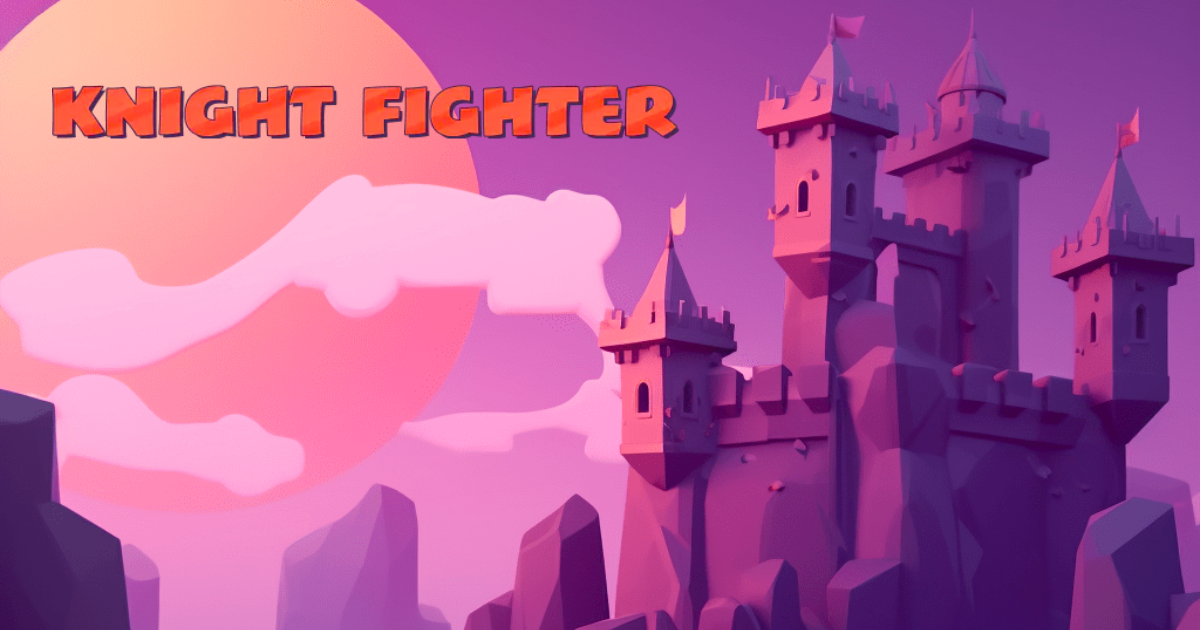 |
Developer Brand
| Name | Description | Minimum Recommended Resolution (width x height) | Example |
|---|---|---|---|
| Brand Logo | Logo(s) for your game studio. These show up in the footer in Neon Shop and checkout | longest dimension at least 440px |   |
Items and Offers
| Name | API Name | Description | Minimum Recommended Resolution (width x height) | Example |
|---|---|---|---|---|
| Items and offers | The images that are used for the items and offers in your Neon Shop | at least 384 px wide (square or landscape) |  |
Updated about 2 months ago