

Supported Languages
Neon Shop and Checkout pages are available in in 19 languages, with 30 regional variants (locales) in total. This page covers:
- Which languages are supported
- How a player's language is chosen
- How to translate your own content so players see it in their language
Supported languages
| Language | Locale |
|---|---|
| Chinese (Simplified) | zh-CN |
| Chinese (Traditional) | zh-TW |
| Czech | cs-CZ |
| Danish | da-DK |
| English (Australia) | en-AU |
| English (Canada) | en-CA |
| English (United Kingdom) | en-GB |
| English (United States) | en-US |
| Finnish | fi-FI |
| French (Canada) | fr-CA |
| French (France) | fr-FR |
| German (Germany) | de-DE |
| German (Switzerland) | de-CH |
| Italian | it-IT |
| Japanese | ja-JP |
| Korean | ko-KR |
| Malay | ms-MY |
| Norwegian | no-NO |
| Polish | pl-PL |
| Portuguese (Brazil) | pt-BR |
| Portuguese (Portugal) | pt-PT |
| Romanian | ro-RO |
| Russian | ru-RU |
| Spanish (Chile) | es-CL |
| Spanish (Mexico) | es-MX |
| Spanish (Peru) | es-PE |
| Spanish (Spain) | es-ES |
| Spanish (United States) | es-US |
| Swedish | sv-SE |
| Thai | th-TH |
What gets translated
A storefront or checkout page shows two kinds of text:
- Neon interface text, such as buttons, labels, payment forms, error messages and receipts. Neon translates this into every supported language, so you don't need to do anything.
- Your content, such as offer names and descriptions, item names, offer group titles and brand text. You provide these translations in the Neon Console. More information on how to add translations to Shop content is available here.
Storefront languages
Enabling languages for your Neon Shop
Each Neon Shop has its own list of enabled languages, chosen from the supported languages above. Only enabled languages are offered to players. To enable or disable a language, contact your Neon representative. By default you have English language enabled.
Before you ask for a language to be enabled, we recommend translating your content into it (see Translating your content). If a language is enabled while some of your content isn't translated into it, players still see the Neon interface in their language, but your untranslated offers and items appear in English.
How a player's language is chosen
When a player opens your storefront, Neon picks the best match among your enabled languages. It tries, in this order
-
An exact match with the player's browser language. For example, a browser set to fr-CA gets fr-CA.
-
The same language in a different region. For example, a browser set to de-AT gets de-DE.
-
A language tied to the player's country, based on their location.
-
English (United States), if it's enabled. Otherwise, the first of your enabled languages.
-
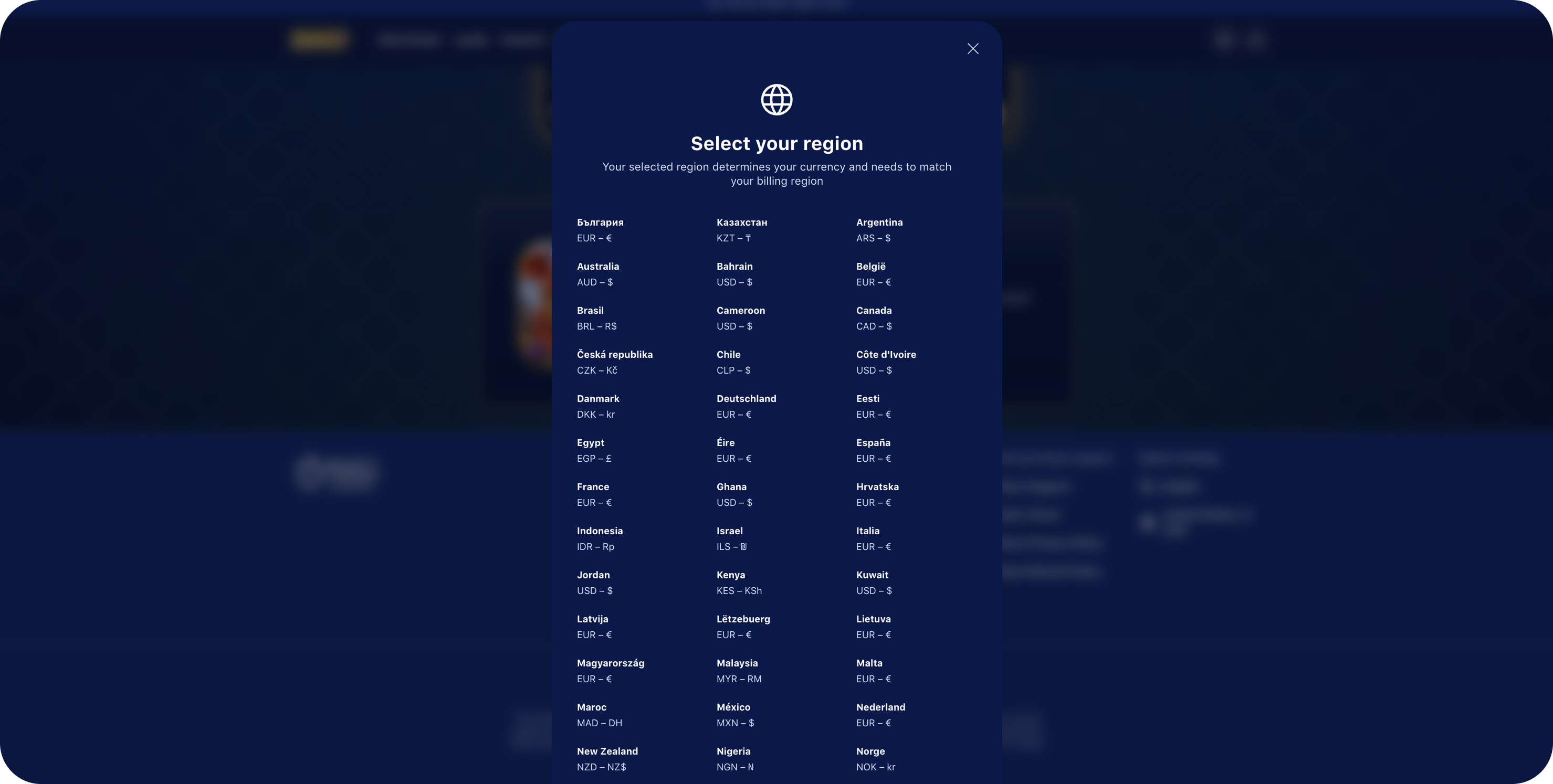
Players can switch at any time with the language selector in the storefront footer, which lists all of your enabled languages:
Checkout languages
Checkout pages and it's langueges don't need to be enabled. Every supported language is always available at checkout.
Checkouts from a Neon Shop
The checkout opens in the language the player is using on the storefront.
If you use Neon Checkout API
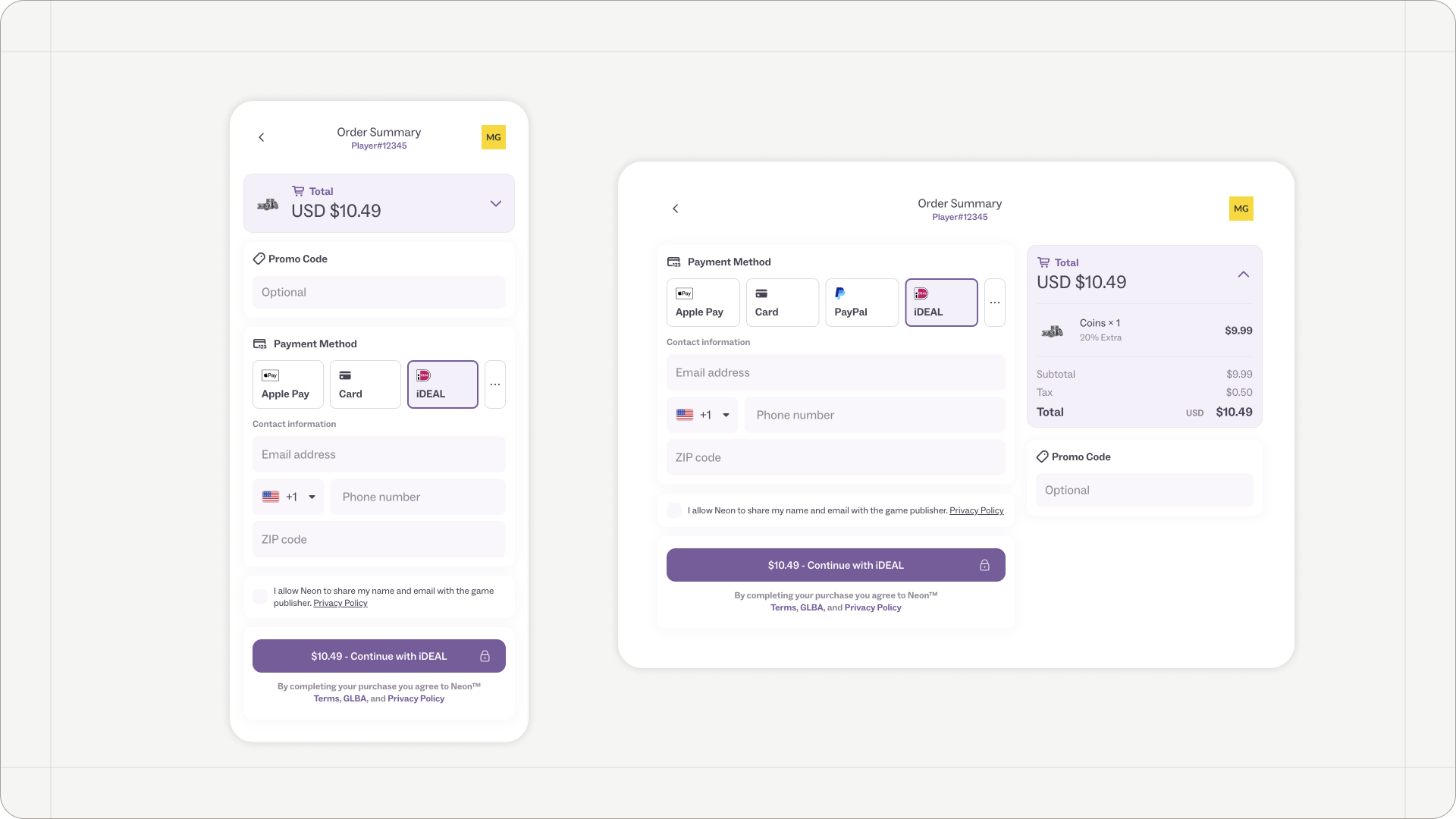
Set the player's language in the languageLocale field when you create the checkout:
{
  "languageLocale": "de-DE",
  ...
}
FAQ
- Can I request a language that isn’t on the list?
If you wish to support a language that is not currently on the list of supported languages, please contact your Neon representative. The Neon team will review your request and get back to you. - Why is my storefront showing some offers in English?
The player's language is enabled, but those offers have no translation for it. Add one in the offer's Translations tab. - Do I need to translate the checkout page?
No. Neon translates all checkout interface text.
Updated about 2 hours ago