

Environments and API Keys
About Sandbox and Production mode
Neon Shops and Neon Checkouts can either be in sandbox or production mode. Transactions in sandbox Shops do not result in money movement, meaning no payment methods are processed, and no money moves into your bank account. Sandbox shops allow you to test your integration and shop aesthetics before going live.
Developers will usually align their development environment with a sandbox shop, and align their production environment with a production shop. This is easily accomplished by using your sandbox keys in your development environment such that your development endpoints are called, and doing the same with your production keys.
Working with API keys
The API Keys section is where development and integration with Neon begins.
Here, you can create and manage API keys for each environment, allowing you to implement the APIs required for your chosen Neon integration flow. Each API key is scoped to a specific property (title) and environment, and can only be used to access or modify data associated with that environment.
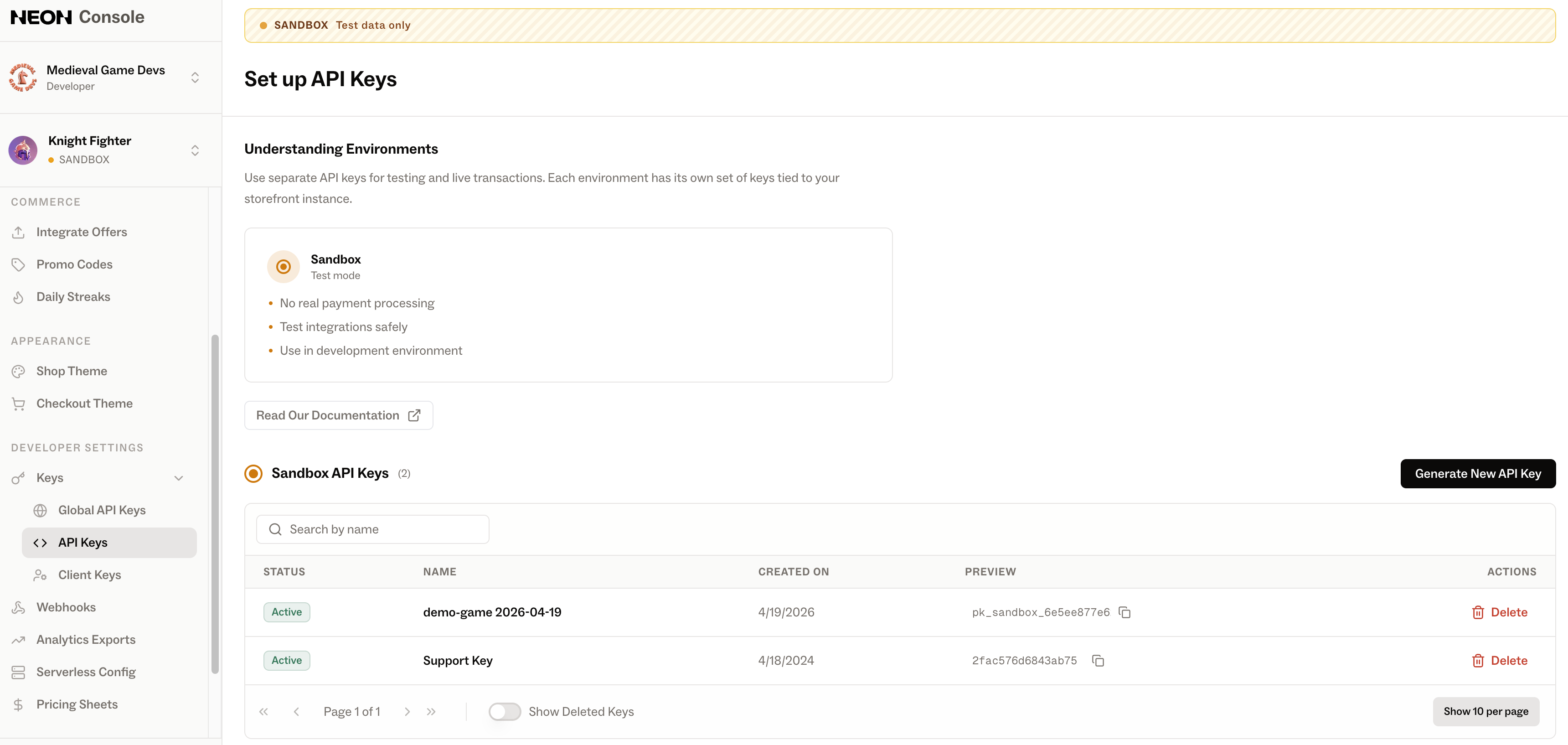
You can use the Console to create and manage your API keys. Once an API key is created, it'll be shown to you once; once it's generated, copy it down and store it securely. Once you exit the creation window, the full API key will never be shown again; afterwards, we'll only refer to keys by their first few characters. If you lose your key, you can revoke it and issue a new one via the Console.
Updated 5 months ago